

European MiFID Template (EMT) V4.3
Europe
Checks European MiFID Template (EMT) V4.3 files: the target market and costs and charges data product manufacturers send to distributors and insurers.
From the European MiFID Template (EMT) V4.3, published by FinDatEx.
- 127validation rules
- 3pipeline stages
- 114EMT fields
- 3 minto build and check
See it in Quantemplate
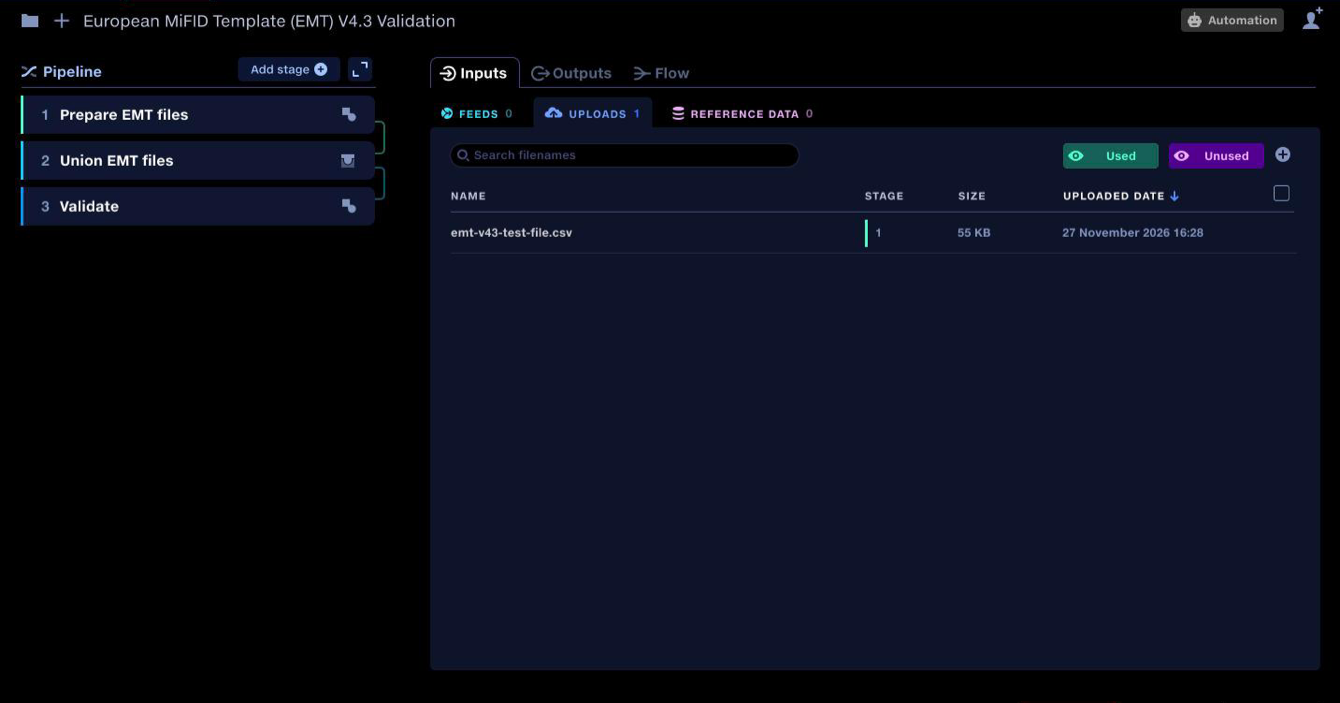
The pipeline
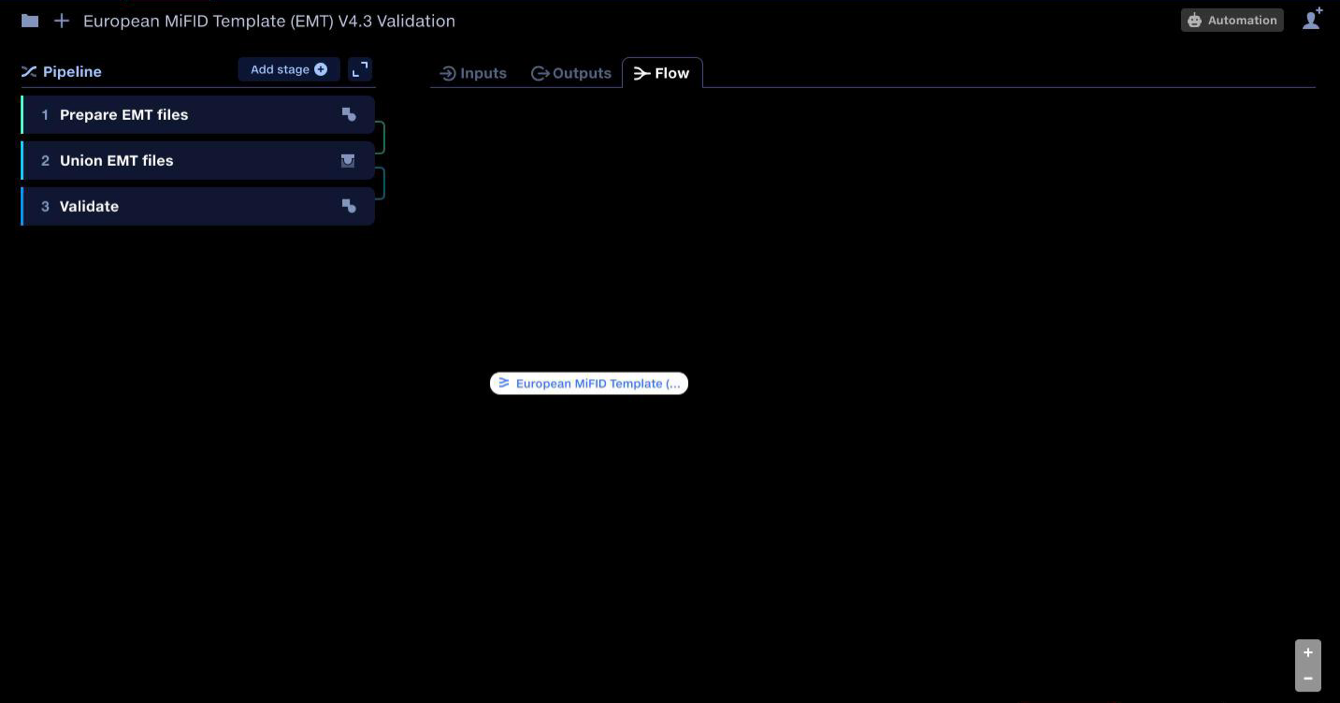
The flow
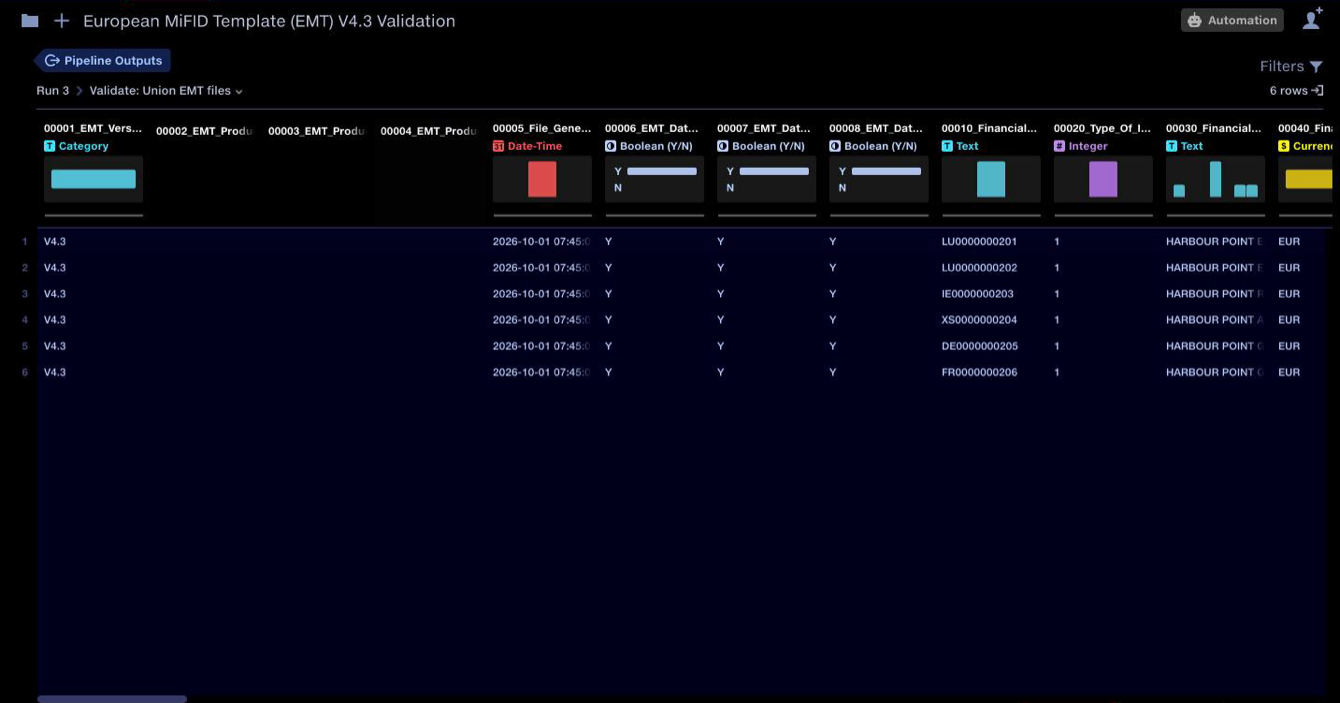
The checked output
What it checks
127 rules 123 Fail 4 Warning
- Mandatory fieldsGeneral, target market, ex-ante and ex-post cost fields each product reports 40 Fail 40
- Conditional fieldsFields that depend on the product type or another answer 8 Fail 8
- FormatsFlags, product type and other codes, risk tolerance, numbers, dates and currency 75 Fail, 1 Warning 76
- ConsistencyOngoing costs cover the management fee, and a target market is given 0 Fail, 3 Warning 3
A rule set to Fail marks its rows as failed, and any failure blocks Auto Export if you set it up. Warnings are only reported. Validation never removes a row. Every rule and its formula is listed in VALIDATIONS.md in the download.
How the pipeline works
- Stage 1 Prepare EMT files Tidy the 114 EMT fields
- Stage 2 Union Stack every EMT file into one
- Stage 3 Validate Run the 127 rules
What’s in the download
- The 127 rules as JSON, and a table of every rule with its formula and why
- Good EMT data for fictional products, and a test file with a product built to fail each rule
- The number of rows each rule should flag on the test file
- A Claude skill that builds the pipeline and checks the results
- A snapshot of the finished pipeline and the scripts that build it from your browser
The EMT spreadsheet isn’t included, because it carries no licence statement. Download it from FinDatEx.
Build it
- Unzip the download and copy the folder in
skillsinto~/.claude/skills/. - With Claude in Chrome signed in to Quantemplate, ask Claude Code:
Build the EMT V4.3 pipeline from the emt-v43 folder.
- Claude creates the datasets and stages, runs the test data and checks every rule’s result. This takes around 3 minutes.
The agent builds through the Quantemplate app’s own API in your browser. That API isn’t published, so if a release changes it, the build stops and the agent offers to click through the screens instead, which takes much longer. Review what the agent builds before you rely on it.
Using real files
- Add each manufacturer’s EMT file as an input to stage 1.
- Add rules for the codes you rely on that take free values, such as the type of identification code.
Contact the Quantemplate support team, or use your AI agent, to build custom logic for your use case.
Limits
- Fields required only when a product has a feature, such as an entry cost or a capital guarantee, aren’t checked, because the data can’t show the feature.
- Codes with free values, such as the type of identification code and the holding period, aren’t checked.
- The test data is fictional.
- The build doesn’t set up Auto Run, Auto Export or feeds.
- The agent works through the app in your browser, so changes someone makes in the app whilst it’s working can trip it up.