

The Chain of Custody provides a complete, transparent record of a data submission as it flows between organisations on Quantemplate's data network.
For every submission, the Chain of Custody shows:
This gives all parties confidence in the origin and integrity of their data, and supports audit and governance requirements.
When data is exchanged via a Feed In-Out, the Chain of Custody is automatically created and updated at each step. Every participant in the chain can view the same certified record.
In a common insurance arrangement, a carrier (such as a fronting insurer) receives bordereaux data from an MGA and a TPA each month via a Feed In-Out. That data is then passed downstream to a reinsurance broker, who in turn distributes it to reinsurers participating on different layers of the programme.
In this scenario, the Chain of Custody allows each party to see:
Each reinsurer can be confident that the data they receive is exactly as originally submitted, unaltered at any point in the chain.
Organisations receiving data further down the chain have a complete upstream view. They can:
The Chain of Custody is accessible from within a feed. Click the Chain of Custody icon on a submission to open the view.
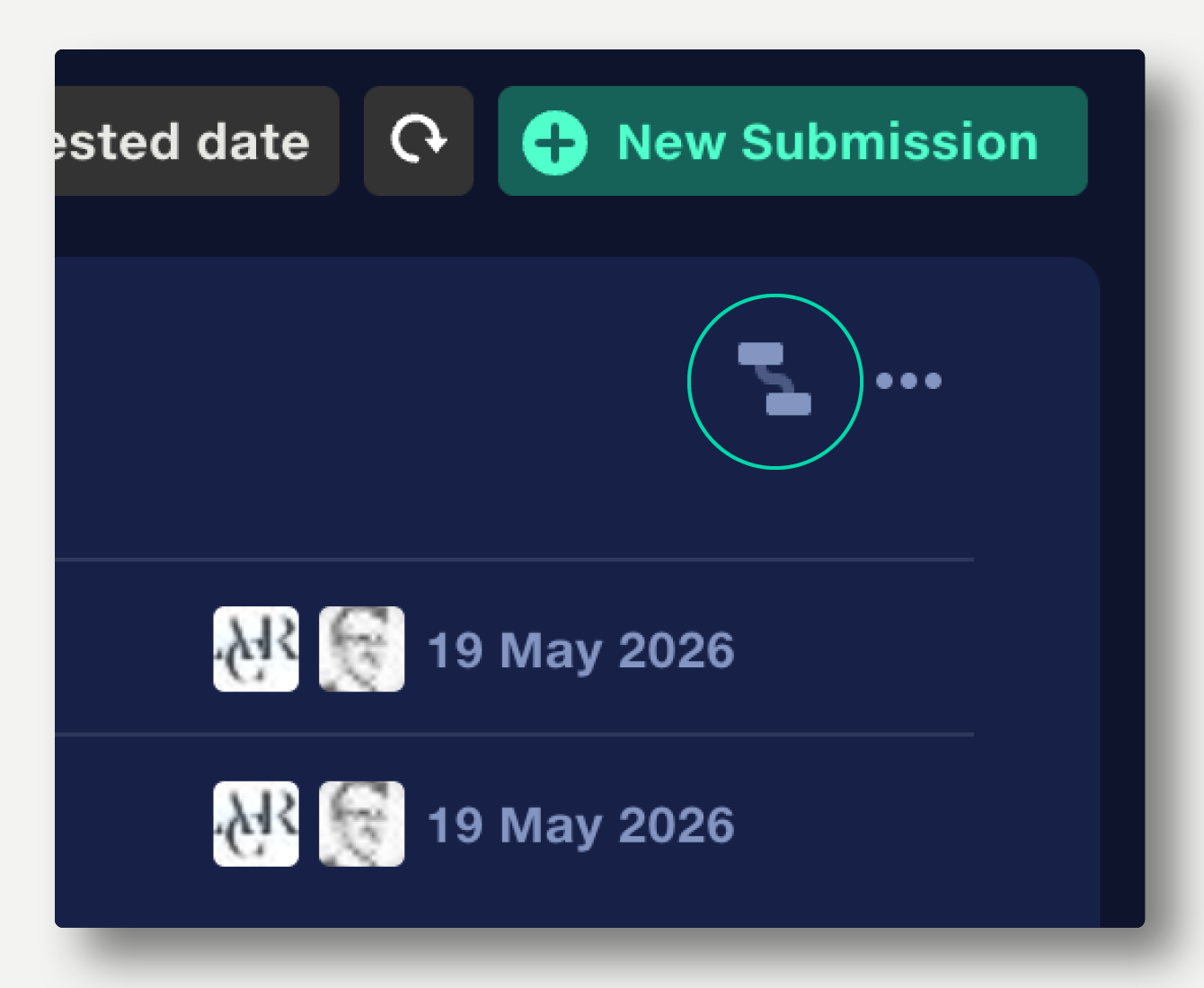
The view shows all parties in the data flow, with timestamps for submissions and recent access.
Any member of a Chain of Custody can request a direct partnership with any other member.
An icon in the top right of each organisation's module indicates whether a direct partnership already exists. To request a new one, click the icon next to any organisation in the chain.
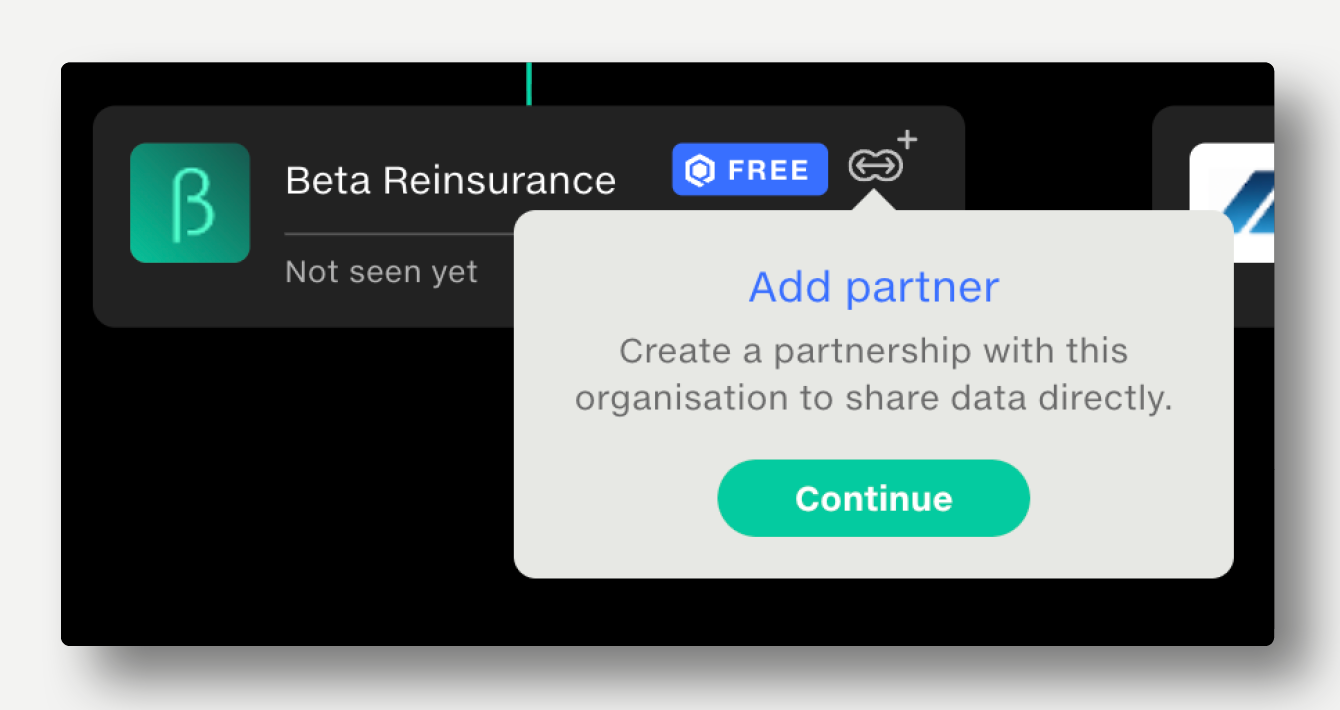
This makes it easy to discover and establish new commercial relationships directly from your data flows.
Learn more about partnerships →
Chains of Custody are built up automatically as Feed In-Outs are configured and partners are added.