

360Giving grants data
United Kingdom
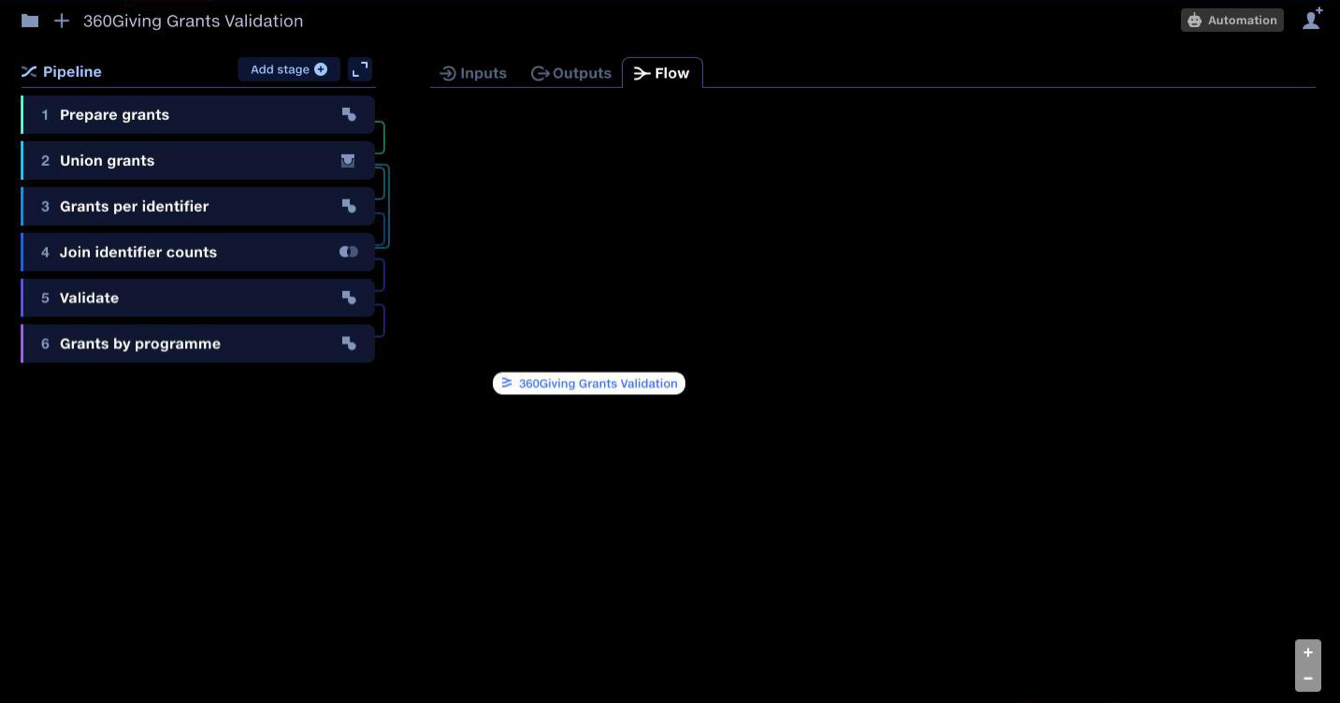
Checks a grant-maker’s grants data against the 360Giving Data Standard before it’s published, and totals the grants by programme.
From the 360Giving Data Standard and its Data Quality Checker
- 29validation rules
- 6pipeline stages
- 27columns
- 1 minto build and check
See it in Quantemplate
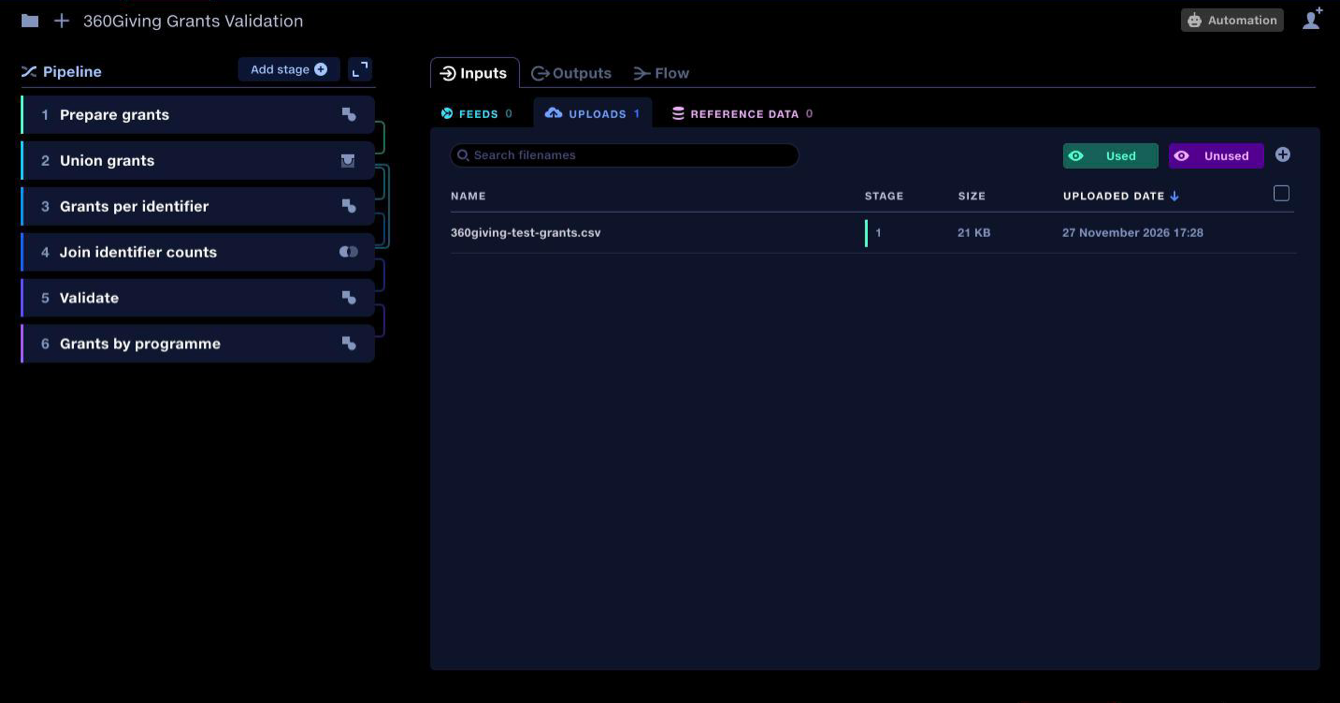
The pipeline
The flow
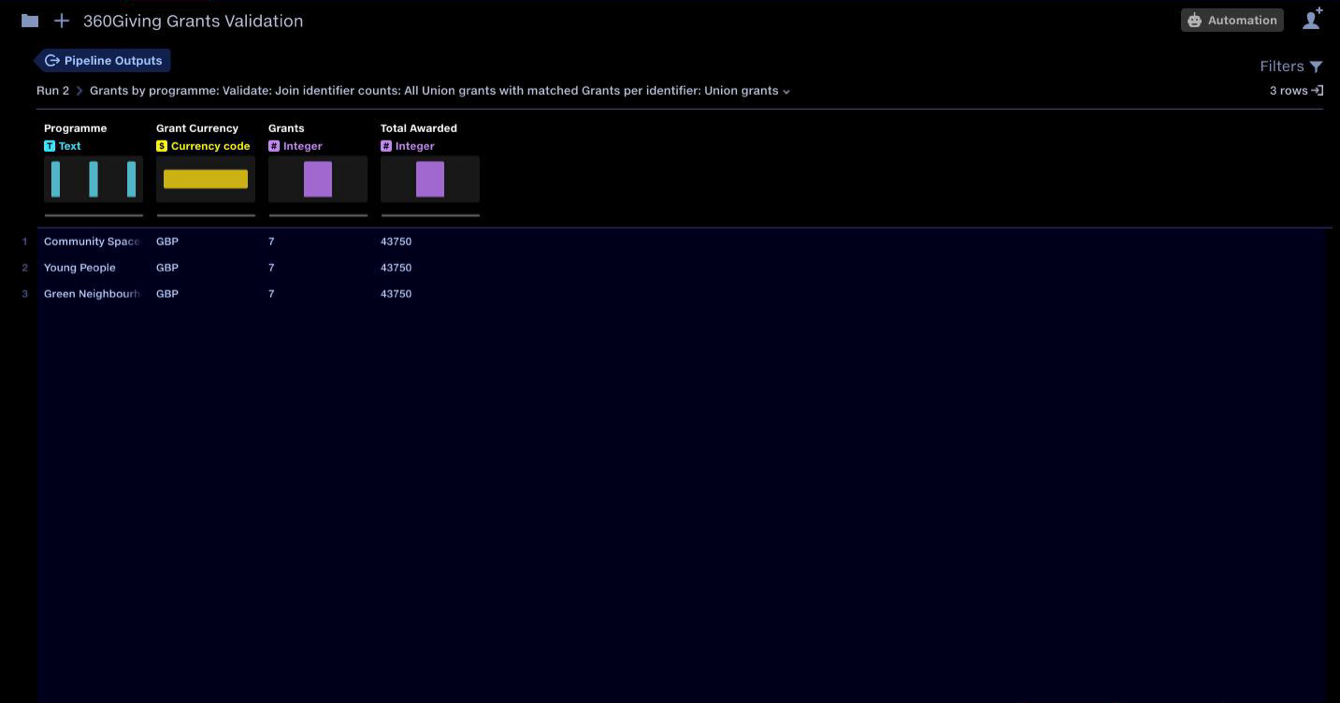
The checked output
What it checks
29 rules 19 Fail 10 Warning
- Required fieldsIdentifier, title, amount, award date, funder and recipient aren’t blank 10 Fail 10
- Formats and codesIdentifiers, currency and country codes, dates, and charity and company numbers 8 Fail, 5 Warning 13
- Quality checksDuplicate identifiers, zero amounts, dates in the wrong order and emails in descriptions 1 Fail, 5 Warning 6
A rule set to Fail marks its rows as failed, and any failure blocks Auto Export if you set it up. Warnings are only reported. Validation never removes a row. Fail rules break the standard. Warnings are what the Data Quality Checker flags for review. Every rule is listed with its formula in VALIDATIONS.md in the download.
How the pipeline works
- Stage 1 Prepare Read the grants file and turn the planned dates into numbers
- Stage 2 Union Combine every uploaded file
- Stage 3 Count Count each grant identifier
- Stage 4 Join Bring the counts back to each grant
- Stage 5 Validate Run the 29 rules
- Stage 6 By programme Each programme’s number of grants and total awarded
What’s in the download
- The 29 rules, with each one’s level and formula
- A fictional funder’s grants: 21 that pass every rule, and the same with 29 rows built to fail
- The number of rows each rule should flag on the test file
- A Claude skill that builds the pipeline and checks the results
- A snapshot of the finished pipeline and the scripts that build and check it from your browser
The test data is made up. Its charity numbers start 199 and its company numbers 990, ranges that haven’t been issued.
Build it
- Unzip the download and copy the folder in
skillsinto~/.claude/skills/. The Quantemplate skills help too, if you have them. - With Claude in Chrome signed in to Quantemplate, ask Claude Code:
Build the 360Giving grants pipeline from the 360giving-grants folder. Test it with the test grants and the good grants and compare the results with the expected ones.
- Claude builds the 6 stages, runs the test grants and the good grants, and checks every rule’s result. This takes around a minute.
The agent builds through the Quantemplate app’s own API in your browser. That API isn’t published, so if a release changes it, the build stops and the agent offers to click through the screens instead, which takes much longer. Review what the agent builds before you rely on it.
Using real grants data
- Export your grants in 360Giving’s spreadsheet layout, keeping its column names, and add the file as an input to stage 1. Add several exports and stage 2 combines them.
- If your funder or recipient identifiers use register prefixes beyond the ones 360Giving’s guidance names, add them to rules F05 and F06.
- Values are compared exactly, so From An Open Call? must be Yes or No, and currencies must be upper case, such as GBP.
Contact the Quantemplate support team, or use your AI agent, to build custom logic for your use case.
Limits
- It reads only the Grants sheet. The standard’s other sheets, such as Funding Org and Classifications, aren’t checked.
- Codelists aren’t checked for Location Scope, Regrant Type, geographic code types or grants to individuals. Currency and country codes are.
- Text isn’t cleansed, because upper-casing it would change grant descriptions.
- It checks the data before you publish it. Publishing to 360Giving is a separate step.
- The funder and its grants are made up.
- The build doesn’t set up Auto Run, Auto Export or feeds.
- The agent works through the app in your browser, so changes someone makes in the app whilst it’s working can trip it up.